Six typefaces
Arial, Georgia, Roboto, Courier New, Times New Roman, Droid Sans.
App Store · Text and ticker
Most urgent messages are one sentence. Making a one-sentence image in a design tool, exporting it and uploading it is four steps too many — so the console lets you type it, style it, and put it in a zone.
Plans, prices and trials are set by your ScreenQube partner.
Where it ends up
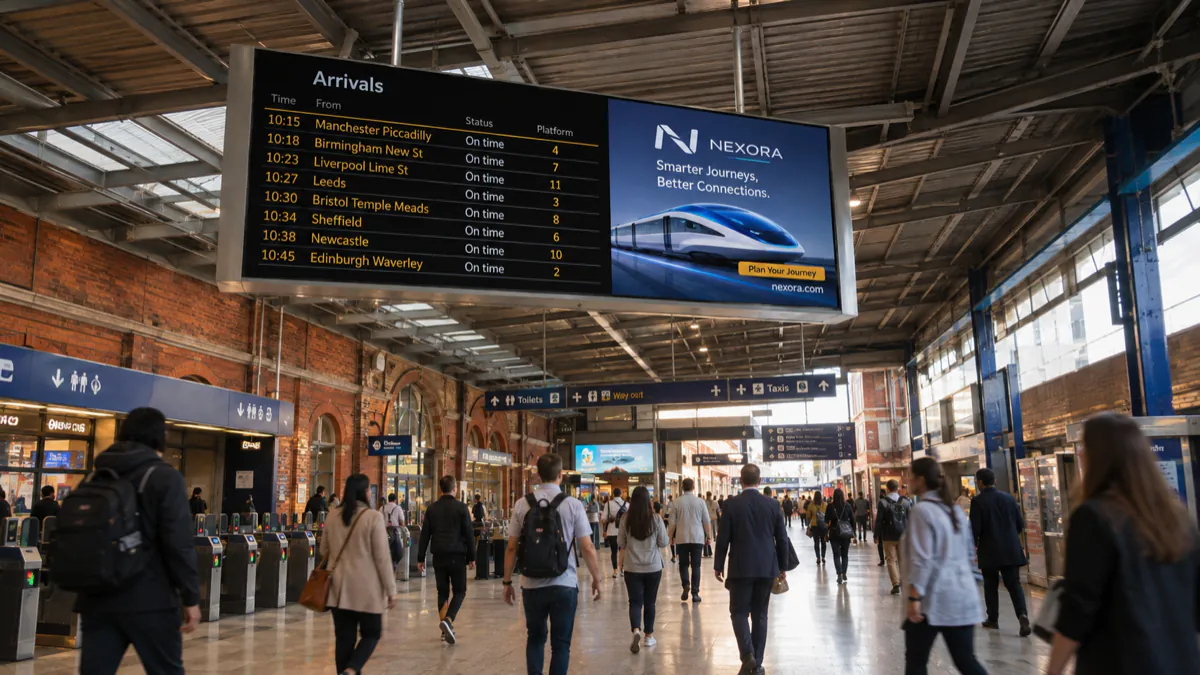
The screen above is what you publish. This is where it ends up.
How it is made
Named against the product's own modules rather than invented for a marketing page.
In the console. No file, no upload, no export.
Font, weight, size, alignment, solid or gradient fill, and a named theme.
A static panel, or a marquee with a direction and a speed.
Scheduled like anything else, or pushed out immediately.
What you get
Arial, Georgia, Roboto, Courier New, Times New Roman, Droid Sans.
300 to 900, with solid, gradient or radial fills and named themes.
Left → Right, Top → Bottom or Diagonal, at Slow, Normal or Fast.
Type it and send it. Nothing to design.
Usually a strip along the bottom.
The console supports RTL layout.
Who runs this
Nearby
Questions
No — that is the point of it. Type the message and choose a weight and a fill.
Yes. It is a zone in a composition, so it sits beside your media.
QuickPlay displays content instantly rather than waiting for a schedule — the console names flash sales and emergencies as its uses.