Apps
Live content alongside your own media — weather, for one.
Features
Every picture on this page is the real console. Nothing here is a mock-up of a feature that does not exist yet.
The daily loop
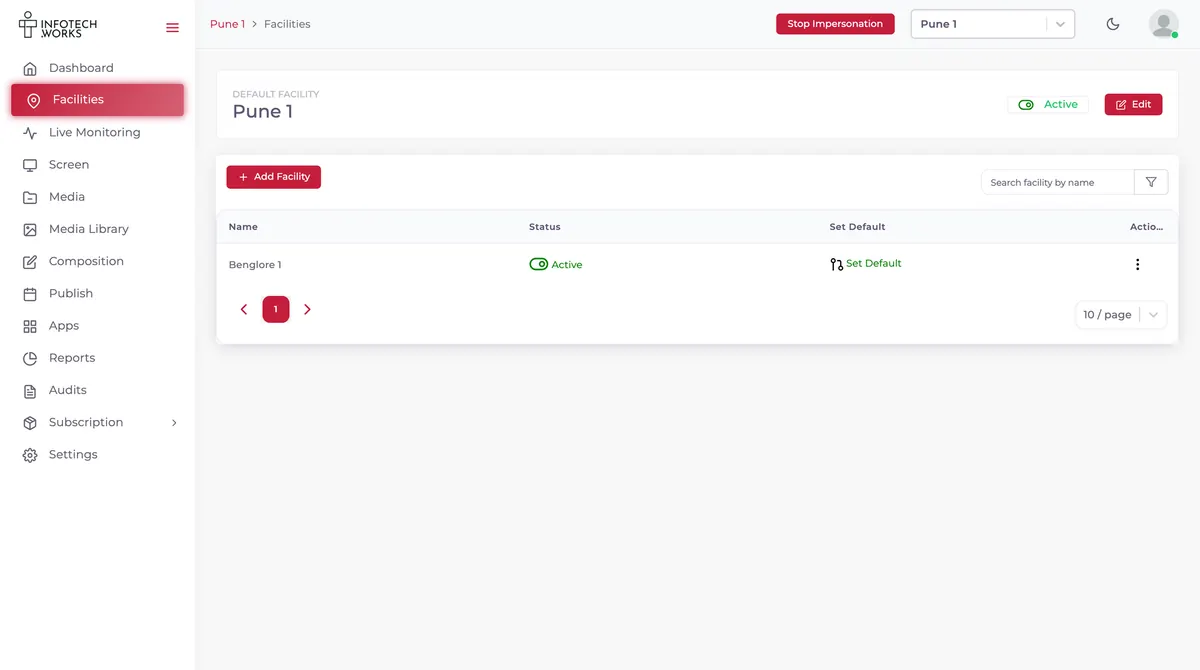
01 — Facilities
A facility is a branch, a building or a region. Each one holds its own screens, and a switcher in the header moves you between them. Set one as the default and you land there every time.
02 — Media and Composition
Images, video and menus go into the Media Library, in folders. Then Composition arranges them into what actually plays — the step between having a file and having a screen worth looking at.
03 — Publish
Publish sends a composition to the screens you pick, on the schedule you set. From then on the players fetch it themselves.
Live monitoring
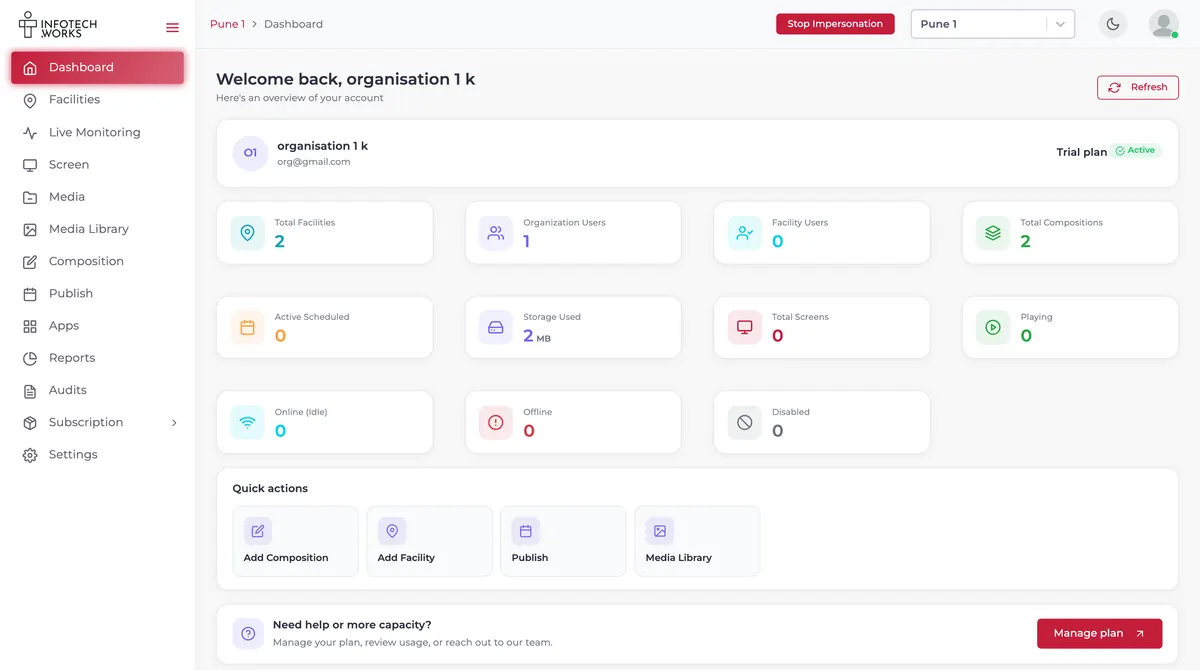
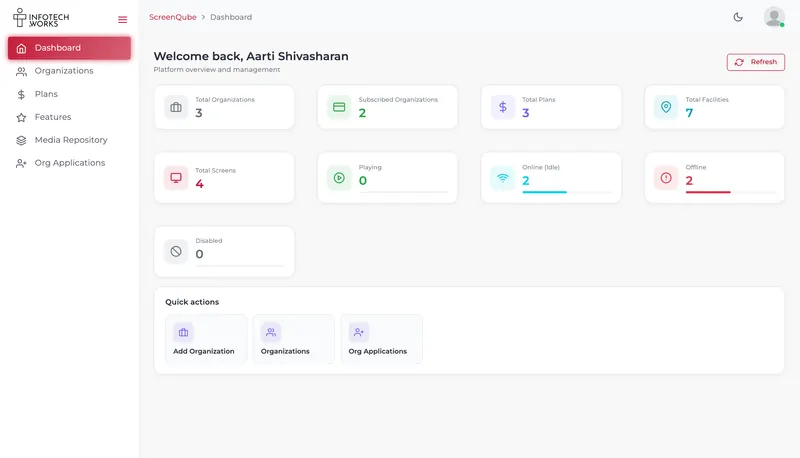
Every screen reports its state back. Active and disconnected counts sit on the dashboard as headline tiles — the number you actually want you want first is the one that is dark, and it is not buried in a report.
Your subscription
The plan, its price, its billing cycle and its renewal date all sit on one screen, with the features it includes listed underneath.
Also in the console
Not everything deserves a section. These are the things you only notice when they are missing.
Live content alongside your own media — weather, for one.
Playback and usage, so you can show what ran.
Created, updated, deleted — with a name against each.
People belong to groups, and groups decide what they can reach. Settings carries the rest of the organisation's configuration.
Media is organised in folders you create, rename and delete — the library stays navigable once it holds more than a week's worth of files.
We will introduce you to the partner who covers your region.
The short answer
One page you can hold up against anything else you are looking at, without us doing the holding. Every line traces to the running product — including the two that are not in our favour.
| Capability | Answer |
|---|---|
| Player platforms | One — Android |
| Runs on screens you already own | Yes |
| Console | Browser, nothing to install |
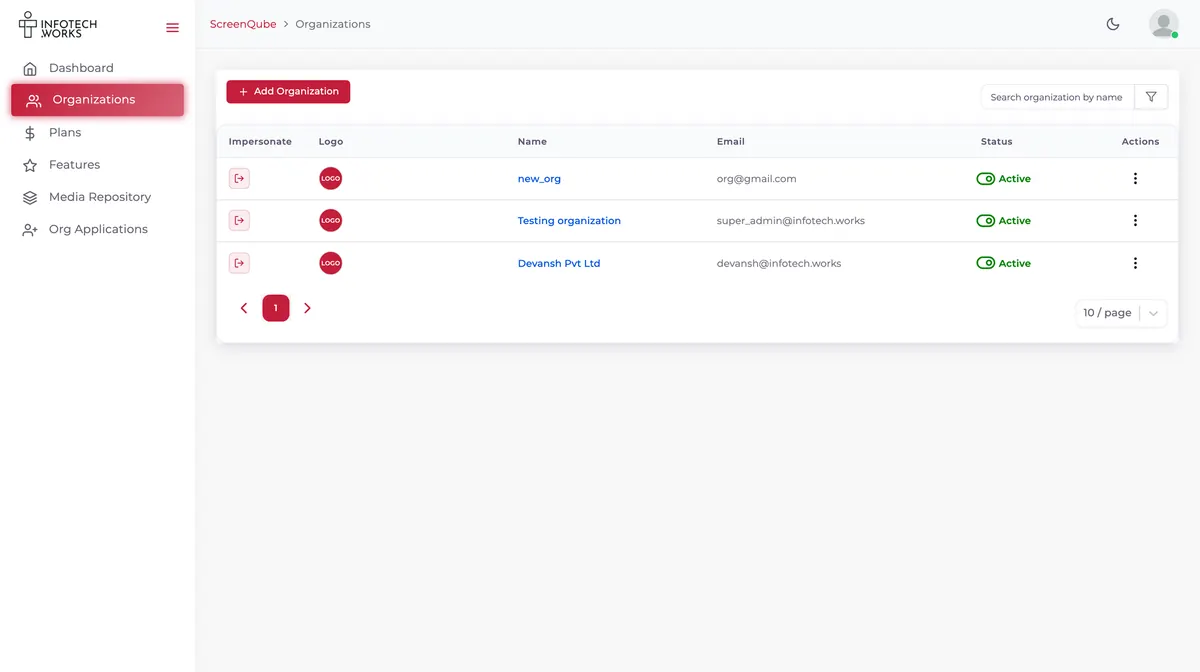
| Bought from | A partner, who sets the plan and the price |
| Billing | Stripe — cancel from your own console |
| iPad, Apple TV, Windows players | Not supported |
| Published customer references | None yet |
| On-premise hosting | Not established |