Runs on the screens you already have
A player app installs on your existing Android displays and pulls content down on its own. Android only —
Every screen. One place. Anywhere.
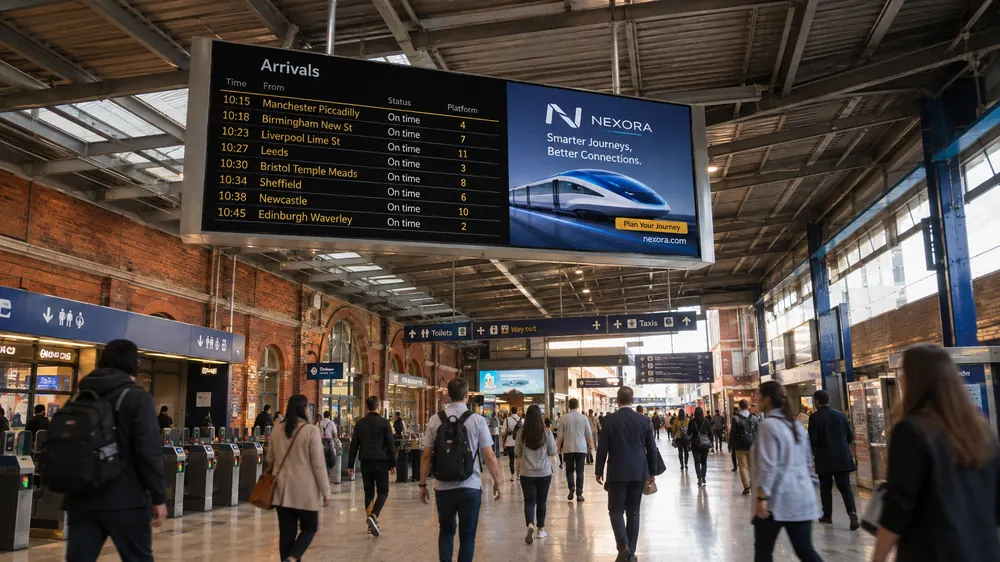
Menus, adverts and announcements — scheduled once, playing everywhere, run from a browser.

What it does
Content lives in one library. Schedules run themselves. Every screen reports back — so you find out a display is dark before your customer does.
A player app installs on your existing Android displays and pulls content down on its own. Android only —
Decide what plays, where, and when. Screens follow automatically.
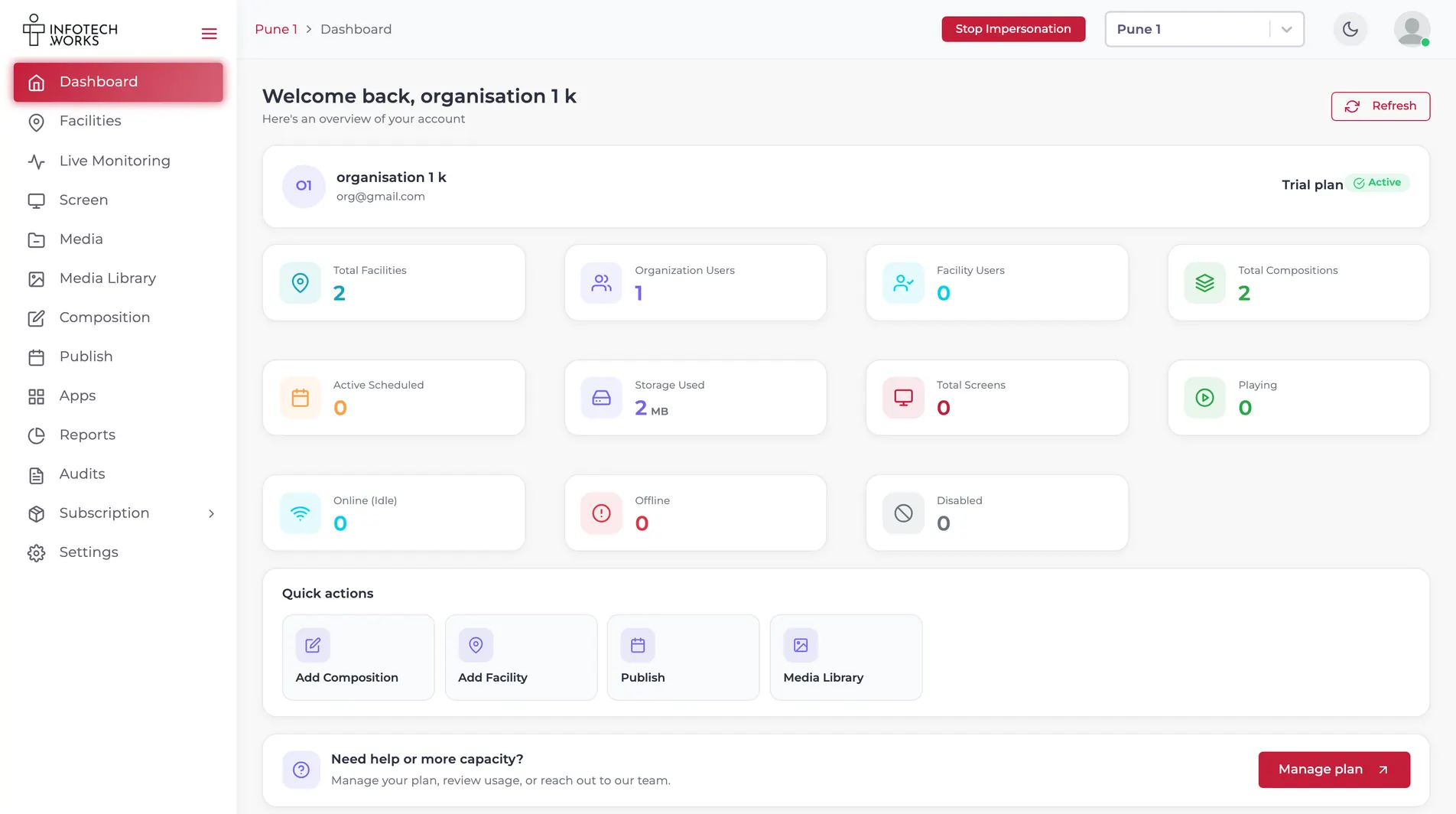
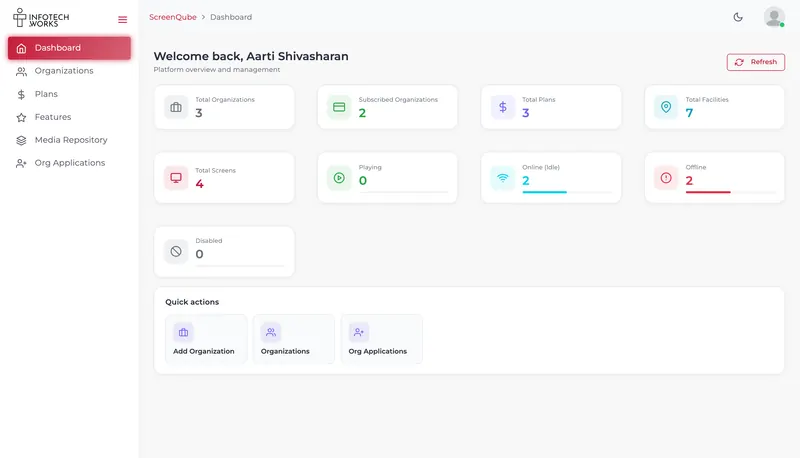
Live Monitoring counts what is active and what is disconnected, and puts both on the dashboard rather than behind a report.
Audits logs what was created, updated and deleted, and by whom. Reports cover playback and usage separately.
A look inside
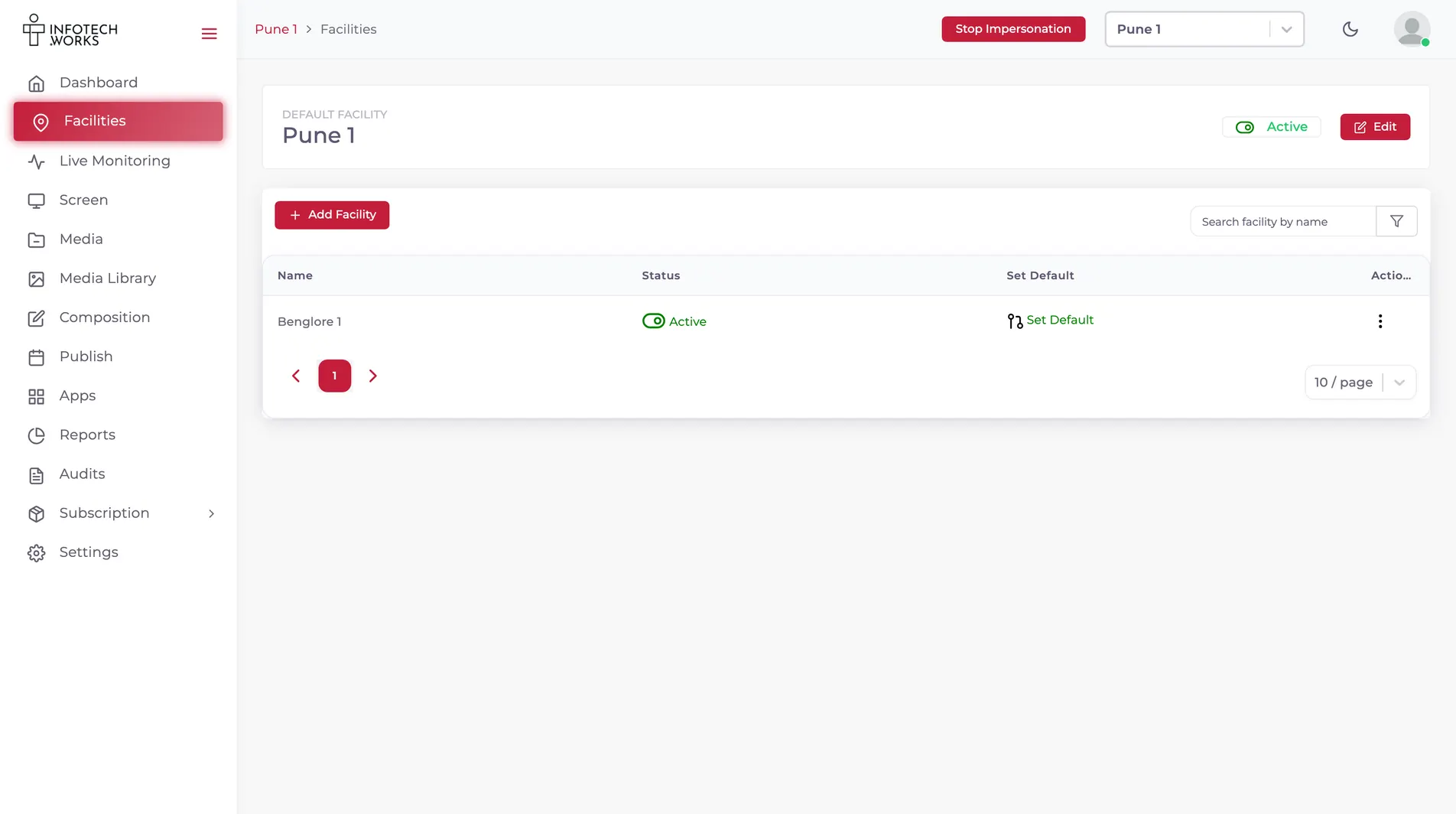
Eleven seconds through the console that runs it.
Where it ends up
Group screens into facilities, schedule from the browser, and let the players fetch it themselves. This is what your customers actually stand in front of.
See it running
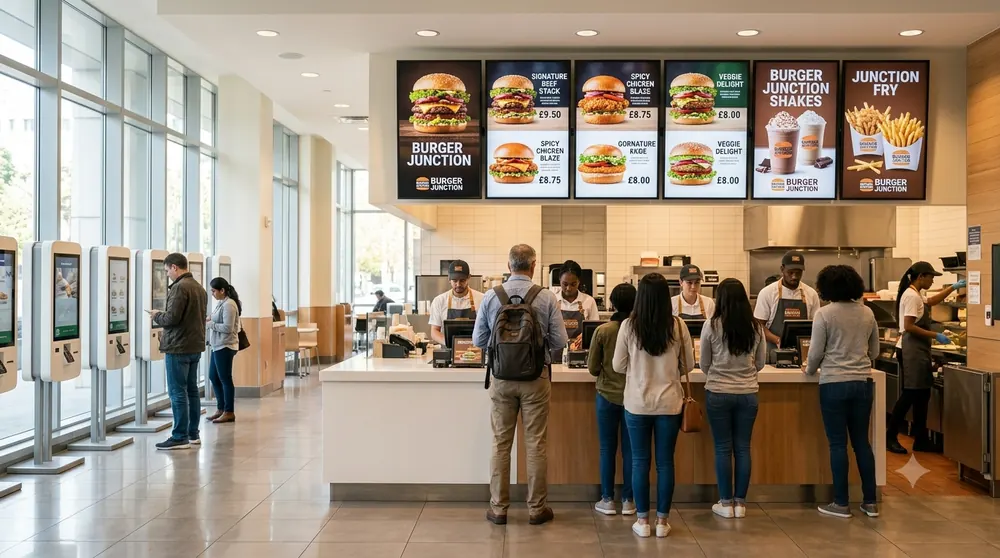
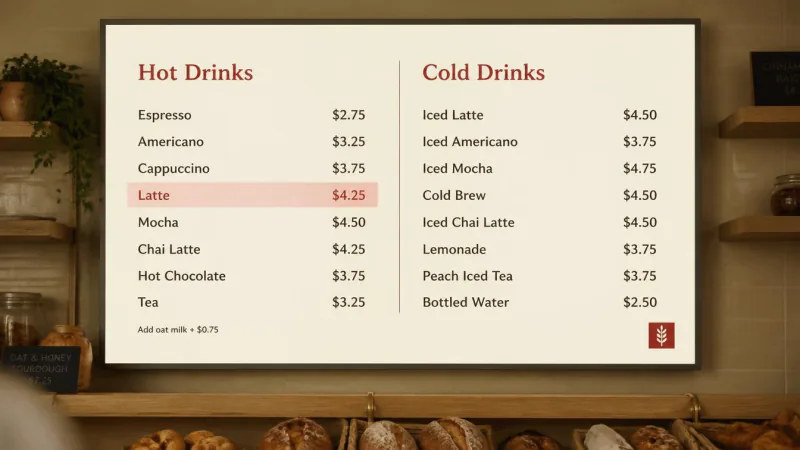
Three boards over a counter, cycling the drinks that are actually on today. Changed from a laptop, not from a stepladder.
What goes on the screen
Drop one into a zone and it keeps itself current — the weather, the headlines, an exchange rate, your own deck. Anything without a dedicated app, you put on as a web page.
 Text and ticker
A typed message or scrolling ticker — font, weight, fill and direction, no design
tool.
Text and ticker
A typed message or scrolling ticker — font, weight, fill and direction, no design
tool.
 Digital menu board
A ready-made menu board from the App Store, named by the console itself.
Digital menu board
A ready-made menu board from the App Store, named by the console itself.
 Weather
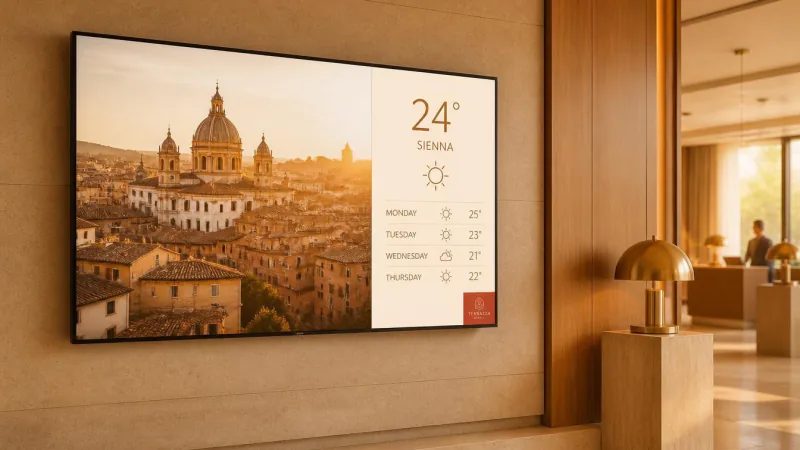
Local conditions and forecast in a zone, for any city you search for.
Weather
Local conditions and forecast in a zone, for any city you search for.
 News feeds
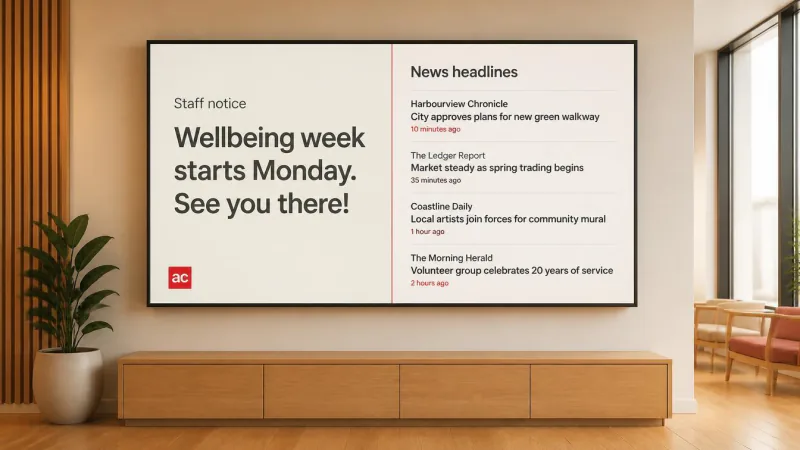
Headlines in a zone, so a screen has something on it that was not true
yesterday.
News feeds
Headlines in a zone, so a screen has something on it that was not true
yesterday.
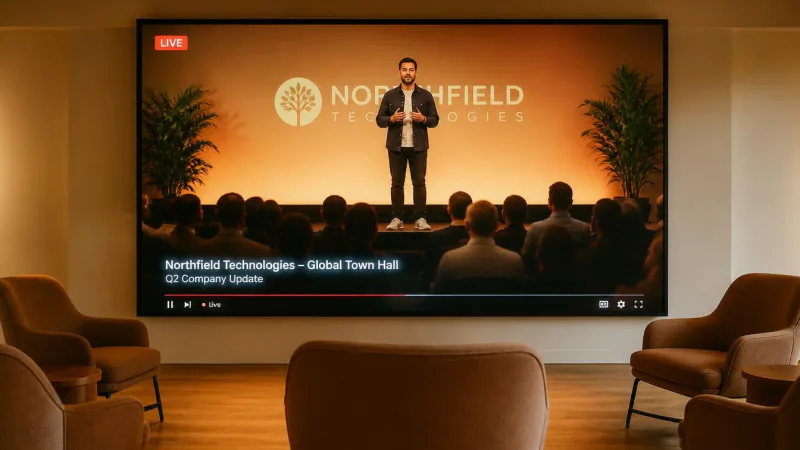 YouTube
Play a YouTube video or live stream through YouTube's own embed.
YouTube
Play a YouTube video or live stream through YouTube's own embed.
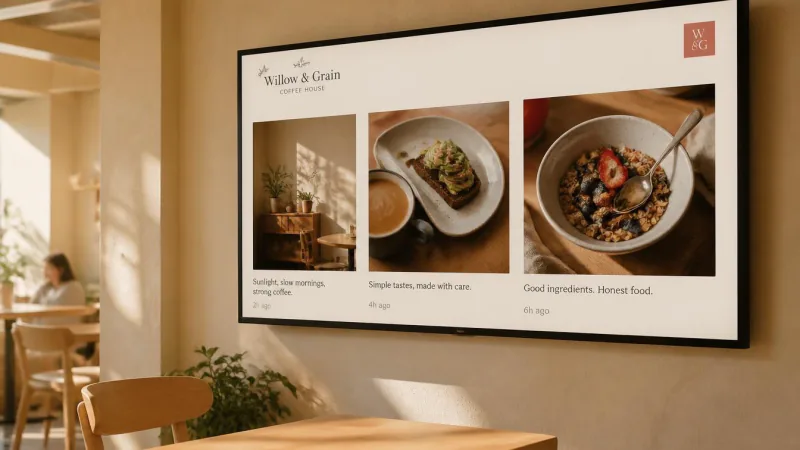 Instagram
An Instagram account on a screen, with the moderation gap stated.
Instagram
An Instagram account on a screen, with the moderation gap stated.
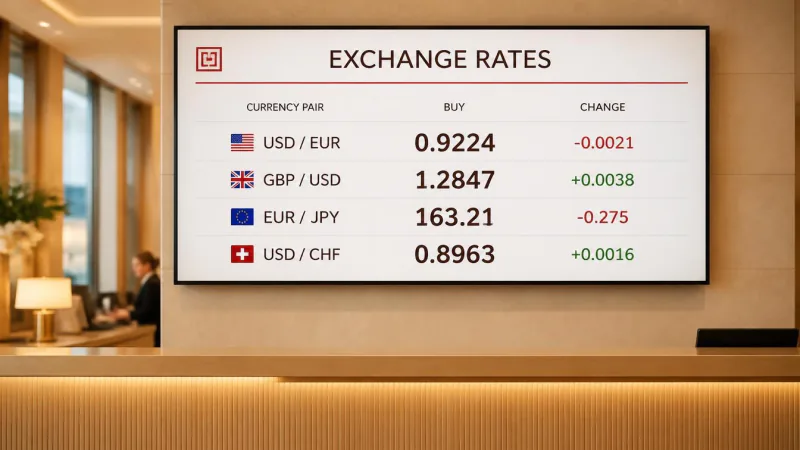 Currency board
An exchange-rate panel for lobbies, bureaux, airports and receptions.
Currency board
An exchange-rate panel for lobbies, bureaux, airports and receptions.
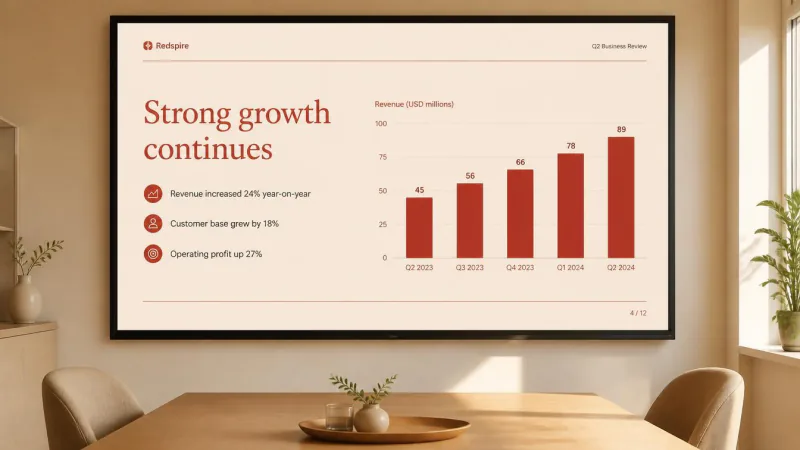 PowerPoint and Excel
A slide deck or spreadsheet on a screen, through Microsoft's own viewer.
PowerPoint and Excel
A slide deck or spreadsheet on a screen, through Microsoft's own viewer.
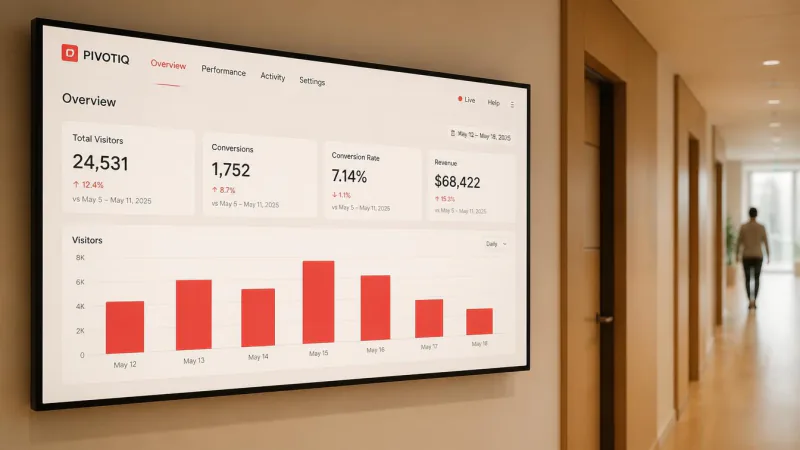 Web page
Put a web page on a screen — the workaround for every integration we do not
have.
Web page
Put a web page on a screen — the workaround for every integration we do not
have.
Who it's for
The product is the same everywhere. What changes is what belongs on the screen, who is allowed to change it, and how often — so each of these has its own page rather than a line in a feature list.
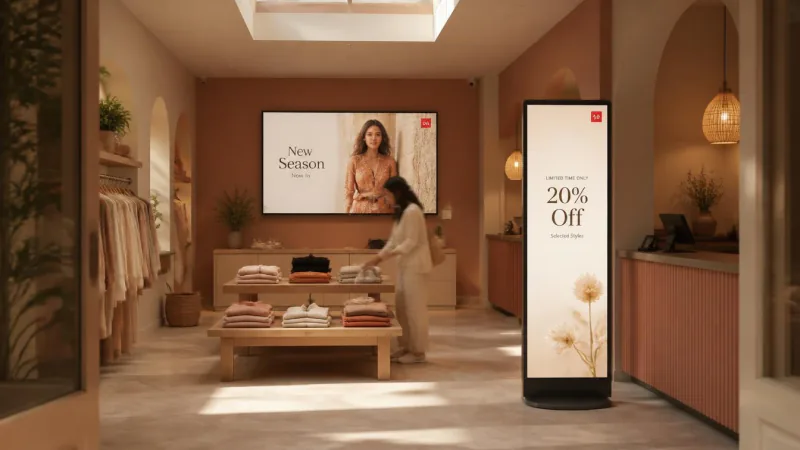 Retail
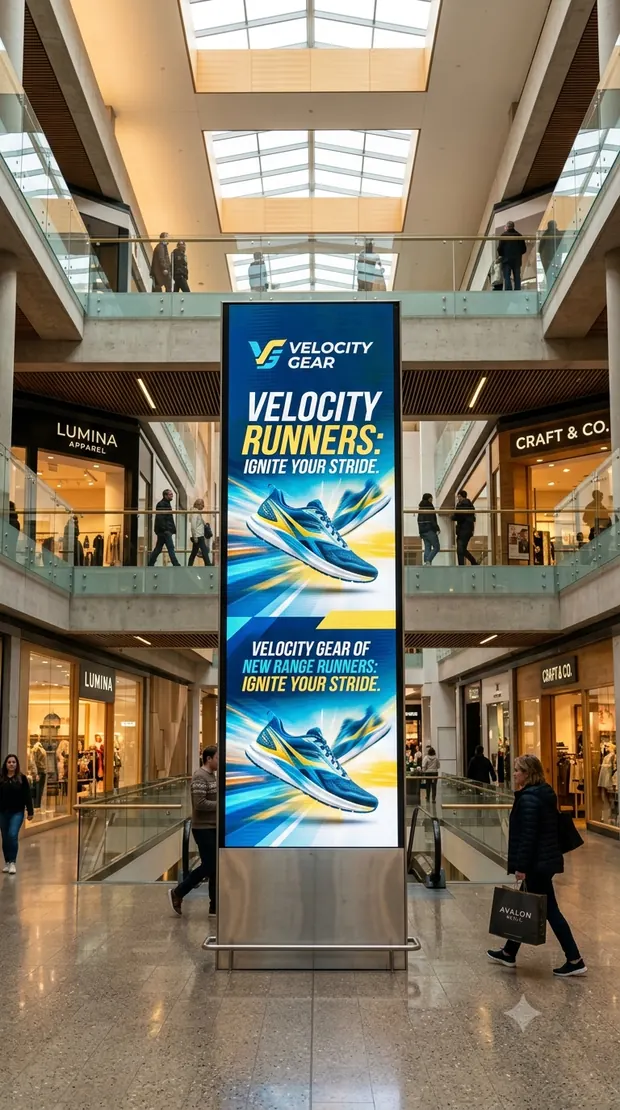
Window displays, shelf-edge screens and till-point offers, changed across every
store at once.
Retail
Window displays, shelf-edge screens and till-point offers, changed across every
store at once.
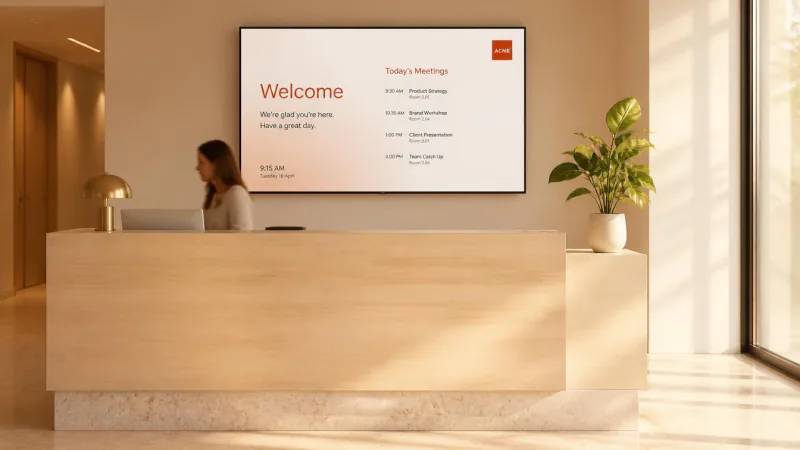 Corporate and office
Lobby, floor and breakout screens for the announcements email never quite
reaches.
Corporate and office
Lobby, floor and breakout screens for the announcements email never quite
reaches.
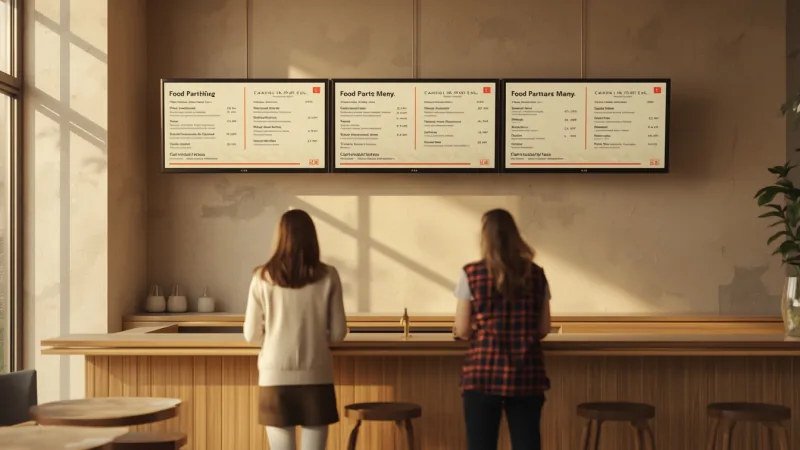 Restaurants and QSR
Menu boards, dayparts and drive-thru screens — changed from a laptop, not a
stepladder.
Restaurants and QSR
Menu boards, dayparts and drive-thru screens — changed from a laptop, not a
stepladder.
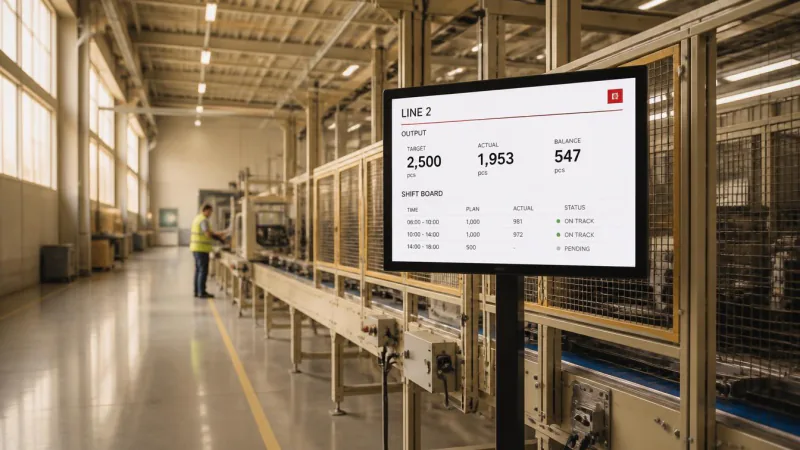 Manufacturing
Line-side safety boards, shift notices and plant-wide announcements for people
who are never at a desk.
Manufacturing
Line-side safety boards, shift notices and plant-wide announcements for people
who are never at a desk.
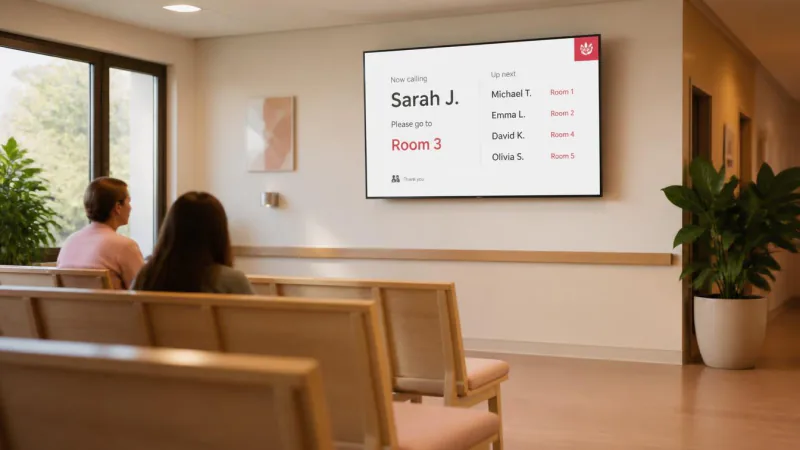 Healthcare
Waiting rooms, department boards and staff notices across every clinic, ward and
site.
Healthcare
Waiting rooms, department boards and staff notices across every clinic, ward and
site.
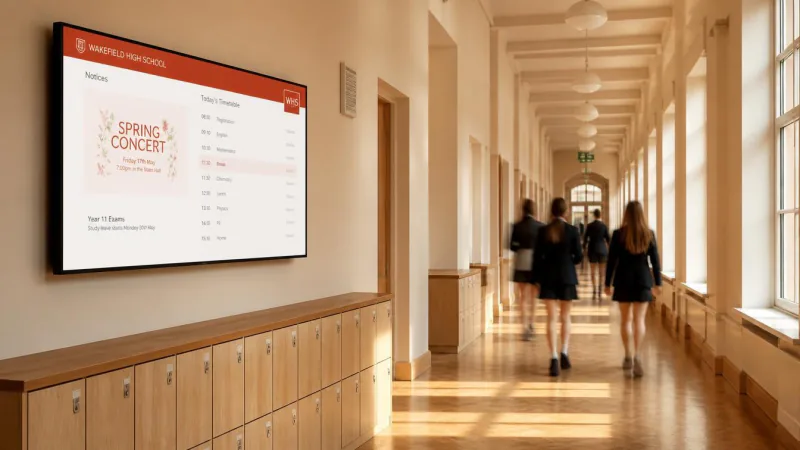 Education
Corridor, hall and campus screens carrying timetables, notices and everything the
portal never gets read for.
Education
Corridor, hall and campus screens carrying timetables, notices and everything the
portal never gets read for.
The platform
ScreenQube runs the platform. Partners package and sell it. Organisations operate their own screens.
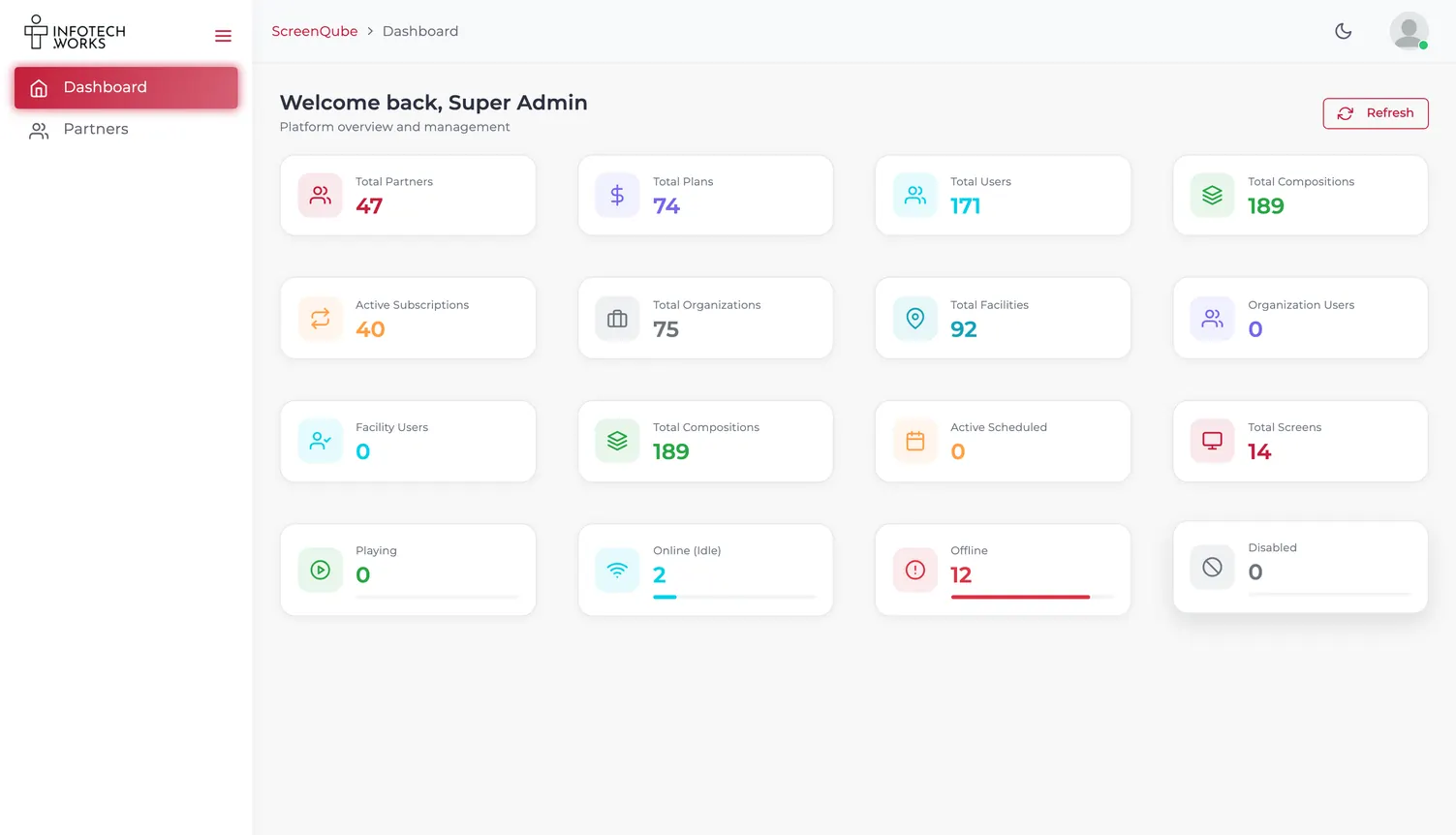
Super Admin
We onboard partners and watch the network.
1 console, every partner on it
Partner
Builds features and plans, sets prices, onboards clients.
1 console, every client they sell to
Organization
Facilities, screens, media, publishing and reports.
1 console, however many sites
Getting content out
Register a screen against a facility. The player shows a code on the screen itself; you enter it in the console and it starts fetching.
Media goes into the library in folders. Composition arranges it into zones — your own content beside a live app like weather, news or a ticker.
Choose the screens and the schedule, or use QuickPlay to interrupt everything now. Live Monitoring answers the only question that matters on a Monday: is it all playing?
How pricing works
ScreenQube is sold through partners, each building its own plans in its own currency. There is no single price list here, and we will not invent one.
A packaged plan, ready to subscribe to.
Your partner picks the features, sets the price and turns on a free trial if they offer one. You subscribe, and the workspace unlocks.
A plan built around what you actually run.
The same machinery, negotiated. Features carry access rules — a limit on screens, storage or users — so a plan is shaped to a fleet rather than sold in fixed sizes.
Questions
If your display runs Android, yes — the player is an Android app that installs on screens you already own.
If your screens are driven by iPads or Apple TV, this is not the right product today.
A ScreenQube partner. They assemble the plan, set the price and currency, and are who you deal with. ScreenQube builds and runs the platform underneath.
Images, video, menus, announcements and live information. Files live in the Media Library; Composition arranges them into what plays; Apps adds live content such as weather.
Yes. Live Monitoring reports each screen's state, and the dashboard carries active and disconnected counts side by side — a dark screen is a headline number, not something you have to go looking for.
Users belong to groups, and Audits records every create, update and delete against the person who made it.
Yes — Cancel Subscription sits in your own console, under Subscription, alongside your billing details and a comparison of the other plans your partner offers.
Limits are attached to features on your plan, and plans are built by your partner. There is no fixed ScreenQube limit to quote you.
Yes. Facilities are a first-class concept — screens are grouped by location, with a facility switcher in the console header and a default per user.
The player caches its content, and the console can clear that cache. Ask for offline behaviour to be demonstrated on your own network.
Talk to us about becoming the partner who sells it.
We will introduce you to the partner who covers your region.