The display itself
Composed once, published to the branches you choose.
Queue and counter displays
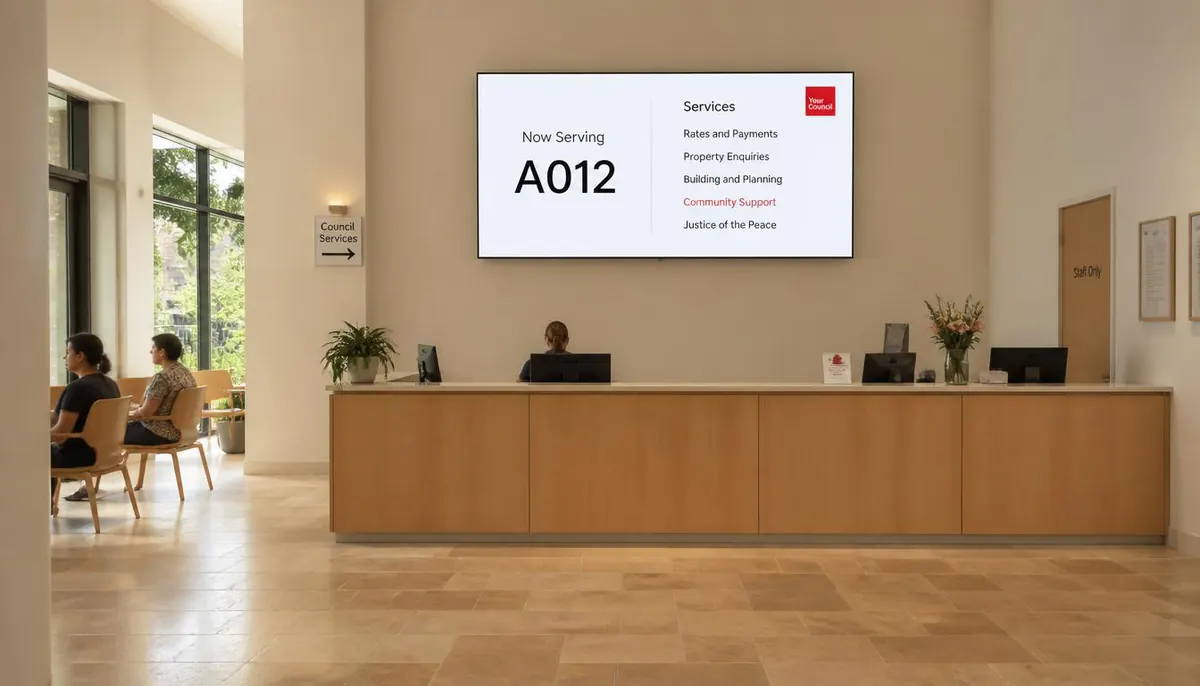
A queue display answers two questions and removes most of the reason people approach a desk. ScreenQube publishes and monitors the display across every branch.
Plans, prices and trials are set by your ScreenQube partner.
Where it ends up
The screen above is what you publish. This is where it ends up.
How it is made
Named against the product's own modules rather than invented for a marketing page.
Token panels, counter numbers and the waiting list are artwork arranged in Composition.
Each branch is a facility with its own screens.
Which counters are open, and what each one does, published on a schedule.
Active and disconnected counts on the dashboard.
What you get
Composed once, published to the branches you choose.
Published on a schedule, with an end.
Part of the composition's rotation.
Publish targets facilities.
A dark queue screen is a headline number.
Audits, with a name against each action.
Who runs this
Nearby
Questions
Not that we can evidence. No queue-system integration has been observed in the console. Ask us and we will get a direct answer.
Publish and schedule counter information to every branch, monitor which screens are active, report on playback, and audit every change.
Yes. Publish targets the facilities you choose.
An Android player app on displays you own.