Offers and price drops
The week's promotion, published to every store the moment it is signed off.
Retail
A price change that reaches 40 stores in the time it takes to reach one. Put the promotion in the Media Library, arrange it in Composition, publish it to the screens you choose — and watch the dashboard tell you which stores took it.
Plans, prices and trials are set by your ScreenQube partner.
Where it ends up
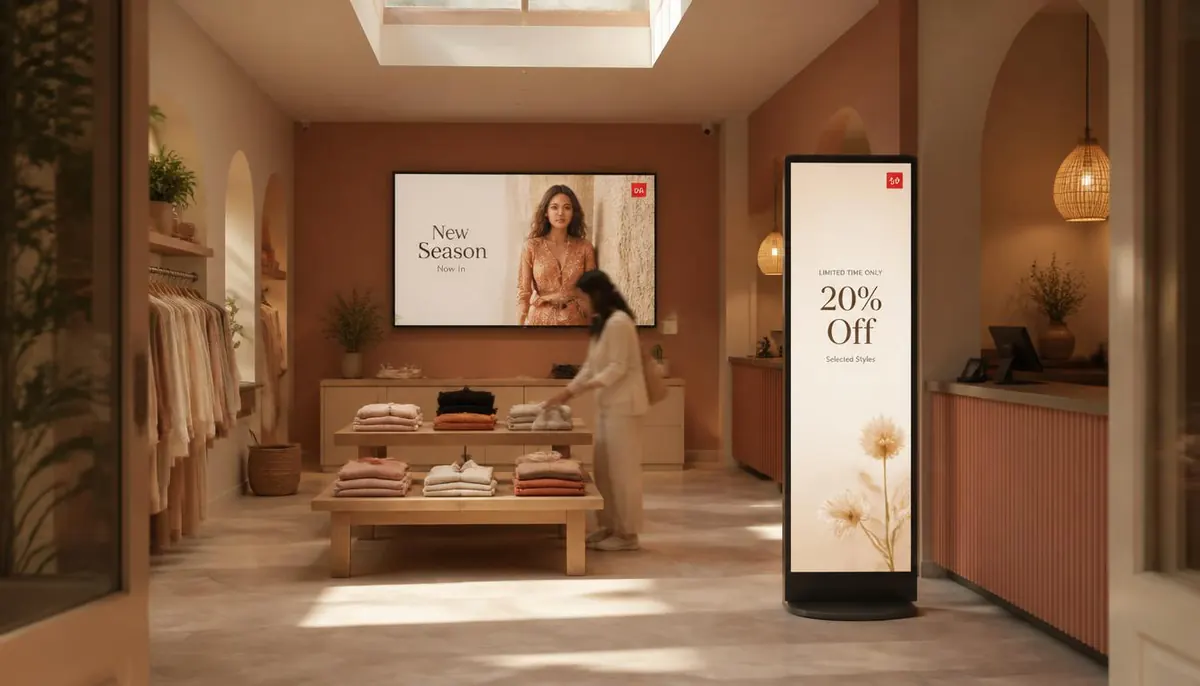
The screen above is what you publish. This is where it ends up — a display a customer stands in front of, driven by a player that fetched it on its own.
What goes on the screens
Every one of these is ordinary media, arranged in Composition and sent out by Publish. Nothing here needs a separate system.
The week's promotion, published to every store the moment it is signed off.
The screen a passer-by sees before they decide to come in. Portrait or landscape, same library.
What is in the aisle, what it costs, and what goes with it.
A code on the screen carries someone from the aisle to the product page.
Breakfast offers before eleven, dinner offers after five. Publish sets the schedule once.
The App Store carries ready-made apps — weather, news, YouTube, currency, tickers and embedded web content — alongside your own media.
Where the screens go
Portrait screens facing the street, running the offer that pulls people in.
Wayfinding to departments, plus whatever is new this week.
Category boards and price points at the shelf, where the decision is made.
The most-watched screen in the shop. Add-ons, loyalty, and the reason to come back.
How it is run
The same four steps whether you have four screens or four hundred. This is the real console, not an illustration.
One facility per site, branch or building. A screen joins by showing a registration code, which you type in once. Switch between facilities from the header.
Media goes into the library, in folders, with tags. Composition arranges it into zones — your own files, plus App Store apps like weather, news or a ticker.
On a schedule, with day sequences. Or QuickPlay, which the console describes as displaying content instantly for a flash sale or an emergency. Or as the default composition a screen falls back to.
Live Monitoring reports each screen's state. Take Screenshot shows what one is really displaying. Reload, clear the cache or reboot it remotely.
What it fixes
Set it up as
Nearby
Questions
Yes. Each store is a facility, holding its own screens. Publish a composition to one facility, several, or all of them — and use the facility switcher in the header to move between them.
Publish sends a composition to the screens you choose on the schedule you set. From then on the players fetch it themselves.
If the display runs Android, yes — the player is an Android app that installs on screens you already own.
Screens belong to a facility and there is no fixed number. Any limit comes from the plan your partner built, as an access rule on a feature.
Talk to us about becoming the partner who sells it.
We will introduce you to the partner who covers your region.