Templates and layouts
Save a composition as a template, duplicate a layout, and reuse both across every site.
Templates and Composition
Uploading a picture is not signage. Composition is where media becomes what actually plays — the layout, the order and the duration — and it is the part that decides whether a screen is worth looking at twice.
Plans, prices and trials are set by your ScreenQube partner.
Where it ends up
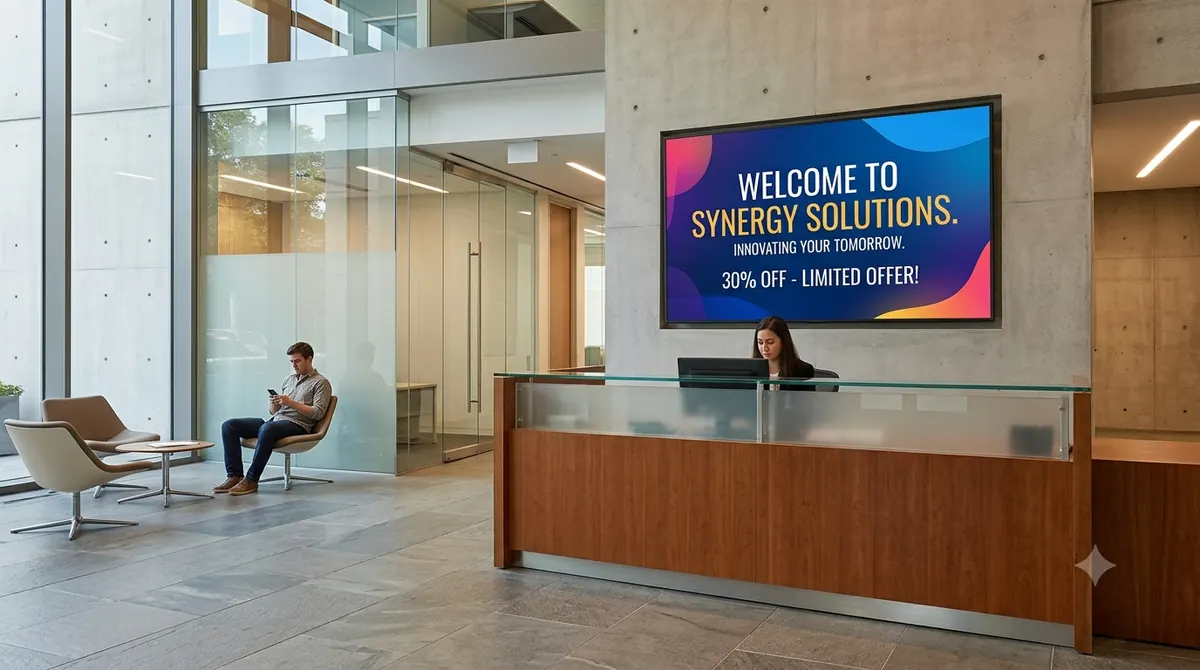
The screen above is what you publish. This is where it ends up.
How it is made
Named against the product's own modules rather than invented for a marketing page.
Images, video and menus, in folders you create, rename and delete.
What appears, in what order, for how long.
To the screens you choose, on the schedule you set.
The dashboard carries storage used against your plan's allowance.
What you get
Save a composition as a template, duplicate a layout, and reuse both across every site.
Create, view, edit, rename and delete — the library scales.
Font, weight, size, alignment, solid or gradient fill, and named themes — for the panels that are type rather than picture.
Weather, news, currency, YouTube, tickers and embedded web content, dropped into a composition.
Used and allowance, both on the dashboard.
Audits, with a name against each action.
Who runs this
Nearby
Questions
Templates exist as a feature — they can be created, saved, fetched, duplicated and updated.
Yes, within limits. Composition places media into zones and carries a text editor — font family, weight, size, alignment, solid or gradient fill, and named themes. It is not a full design studio and does not pretend to be.
Storage is metered against your plan's allowance, and both figures sit on the dashboard. The allowance is set by your partner.
Folders can be added, viewed, edited, renamed and deleted.