Safety and traffic-route notices
Pedestrian routes, PPE and the notices that have to be current.
Logistics and warehousing
A distribution centre has three shifts, a lot of agency staff and nobody at a desk. Safety, throughput, shift changes and dock allocation belong on screens at the point of work — published from one place across every depot.
Plans, prices and trials are set by your ScreenQube partner.
Where it ends up
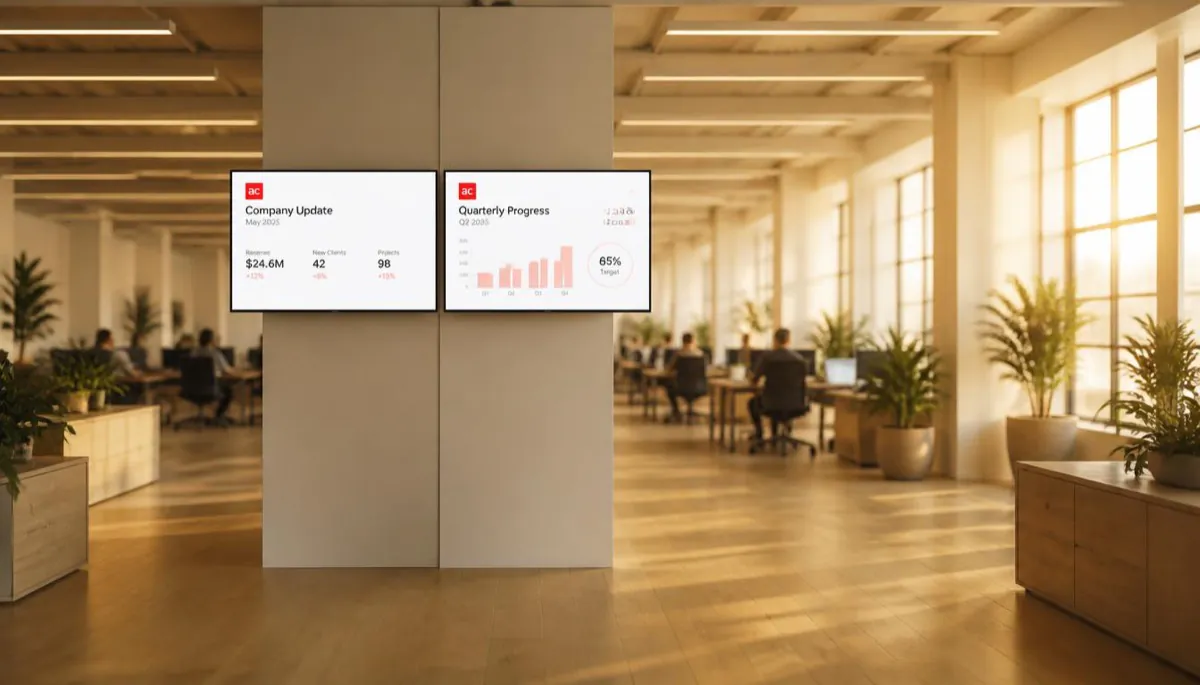
The screen above is what you publish. This is where it ends up — a display a customer stands in front of, driven by a player that fetched it on its own.
What goes on the screens
Every one of these is ordinary media, arranged in Composition and sent out by Publish. Nothing here needs a separate system.
Pedestrian routes, PPE and the notices that have to be current.
What this shift is walking into, without a huddle.
Published as artwork on a schedule — the board a pick face works under.
Which bay, which door, and what is waiting.
The canteen screen does this better than a noticeboard.
One publish reaches every depot you selected.
Where the screens go
Bay allocation, safety and traffic routing.
Short, legible, in the field of view of the work.
Driver instructions and site rules before anyone is on foot.
The longer content people have time to read.
How it is run
The same four steps whether you have four screens or four hundred. This is the real console, not an illustration.
One facility per site, branch or building. A screen joins by showing a registration code, which you type in once. Switch between facilities from the header.
Media goes into the library, in folders, with tags. Composition arranges it into zones — your own files, plus App Store apps like weather, news or a ticker.
On a schedule, with day sequences. Or QuickPlay, which the console describes as displaying content instantly for a flash sale or an emergency. Or as the default composition a screen falls back to.
Live Monitoring reports each screen's state. Take Screenshot shows what one is really displaying. Reload, clear the cache or reboot it remotely.
What it fixes
Set it up as
Nearby
Questions
No warehouse-system integration has been observed in the console. Boards are published as media through Composition.
Yes. Each depot is a facility with its own screens.
Users belong to groups, and groups decide what a person can reach.
Displays you own that run Android, plus the player app.
Talk to us about becoming the partner who sells it.
We will introduce you to the partner who covers your region.