The layout itself
Board designs arranged in Composition and published to the screens and sites you choose.
Passenger information
A passenger information display is two things: a layout, and a live feed behind it. ScreenQube publishes and monitors the layout across every site you run. The live feed is the part we will not claim until the product team confirms it.
Plans, prices and trials are set by your ScreenQube partner.
Where it ends up
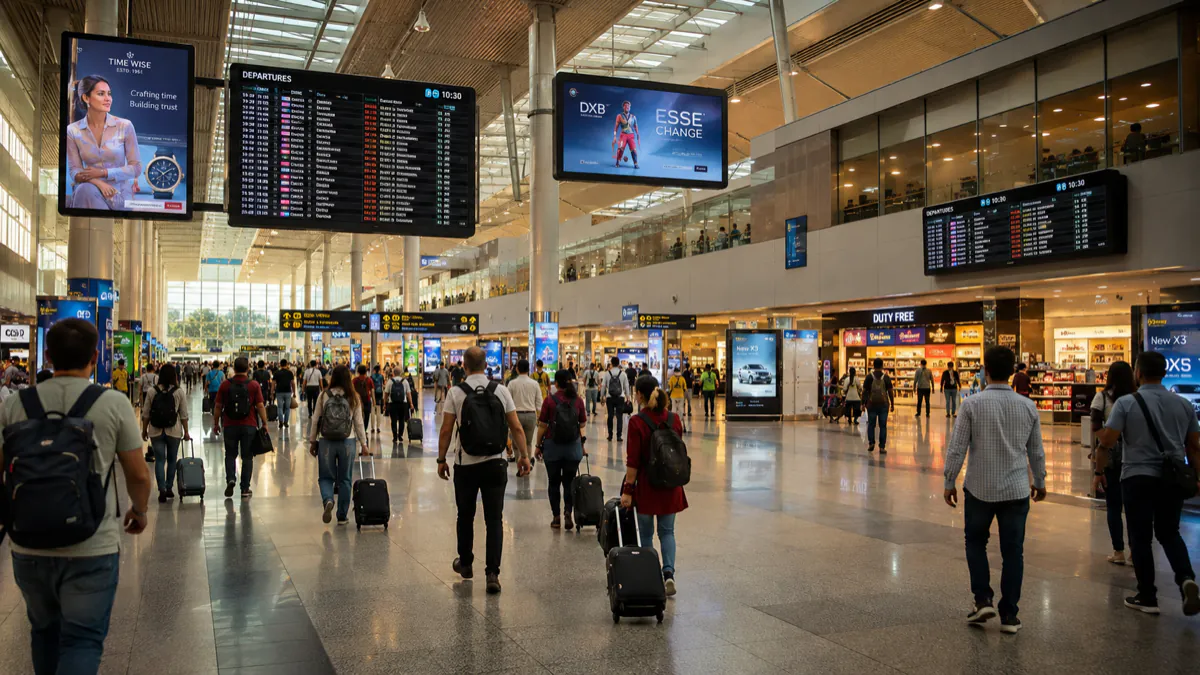
The screen above is what you publish. This is where it ends up — a display a customer stands in front of, driven by a player that fetched it on its own.
What goes on the screens
Every one of these is ordinary media, arranged in Composition and sent out by Publish. Nothing here needs a separate system.
Board designs arranged in Composition and published to the screens and sites you choose.
Gates, exits, step-free routes and interchange.
Published as media when something changes, to the sites affected.
Seasonal timetables and planned engineering, set once with a start and an end.
Live Monitoring counts active and disconnected screens, which is the operational question at 05:00.
Audits logs each create, update and delete with the person who made it.
Where the screens go
The large, high-level board people look for first.
One service, in detail, at the point of boarding.
Onward travel, taxis, and step-free wayfinding.
Operational notices on the same estate.
How it is run
The same four steps whether you have four screens or four hundred. This is the real console, not an illustration.
One facility per site, branch or building. A screen joins by showing a registration code, which you type in once. Switch between facilities from the header.
Media goes into the library, in folders, with tags. Composition arranges it into zones — your own files, plus App Store apps like weather, news or a ticker.
On a schedule, with day sequences. Or QuickPlay, which the console describes as displaying content instantly for a flash sale or an emergency. Or as the default composition a screen falls back to.
Live Monitoring reports each screen's state. Take Screenshot shows what one is really displaying. Reload, clear the cache or reboot it remotely.
What it fixes
Set it up as
Nearby
Questions
No. There is no transport data connector. If your own systems publish a board as a web page, the web-URL app can display it — that is display, not integration, and we will not blur the two.
Rather a lot. Publish and schedule to every screen at every site, push something immediately with QuickPlay, reboot or reload a screen remotely, take a screenshot of what one is really showing, run media and uptime reports, and audit every change.
Yes. The App Store carries weather, news, currency, YouTube and tickers, plus an app for embedding a web page.
An Android player app on displays you own.
Talk to us about becoming the partner who sells it.
We will introduce you to the partner who covers your region.