Live rates
Fetched rather than published.
App Store · Currency
A rate board is the one screen where being out of date is a commercial problem rather than an aesthetic one. This one is an app in a zone, not a picture someone re-exports every morning.
Plans, prices and trials are set by your ScreenQube partner.
Where it ends up
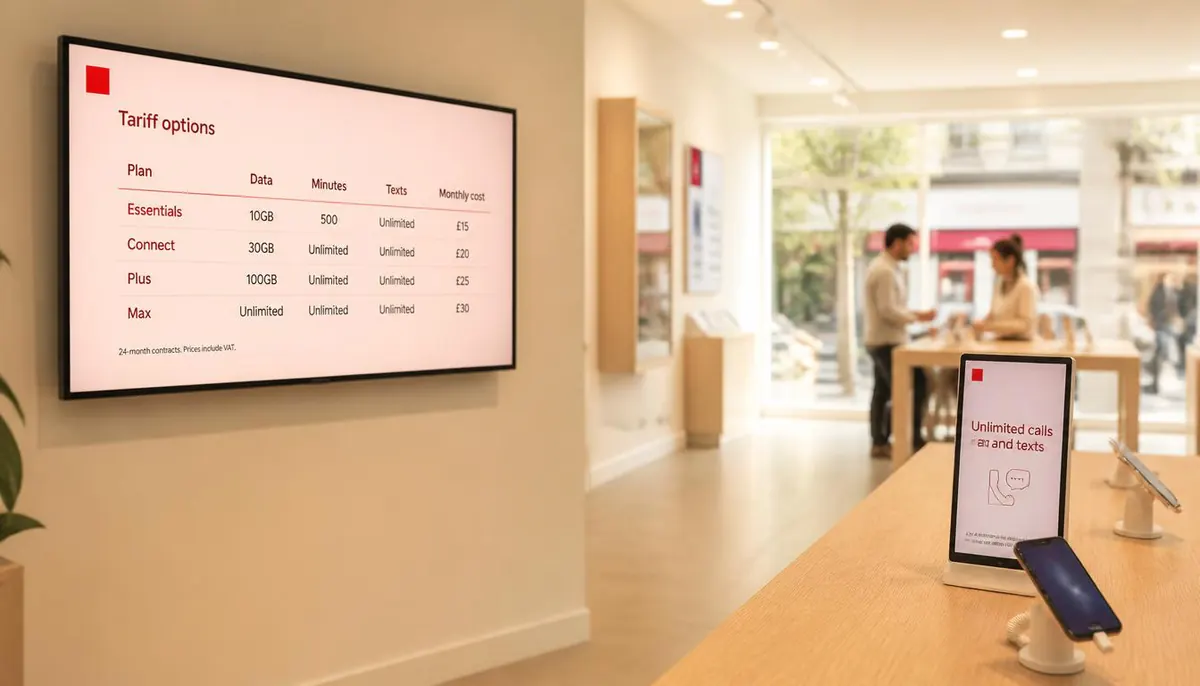
The screen above is what you publish. This is where it ends up.
How it is made
Named against the product's own modules rather than invented for a marketing page.
The ones your counter actually deals in.
Usually the whole screen, or a tall column.
Like any other composition.
Which is the entire reason to use an app rather than an image.
What you get
Fetched rather than published.
Beside branding or an offer.
Nobody re-exports a board at 08:00.
Publish targets facilities.
Appears with the composition.
Every change to the composition is on record.
Who runs this
Nearby
Questions
Not something we can state from outside the product. Ask us and we will get the source from the product team.
Ask us and the product team will confirm the margin settings on your plan.
The currencies are set on the app, so a branch with different needs gets its own composition.