Kiosk layouts as compositions
Composed and published like any other screen.
Interactive kiosks
A touch kiosk lets somebody choose. Everything ScreenQube has been observed doing is playback — content published to a screen and played. That is a real distinction and this page keeps it.
Plans, prices and trials are set by your ScreenQube partner.
Where it ends up
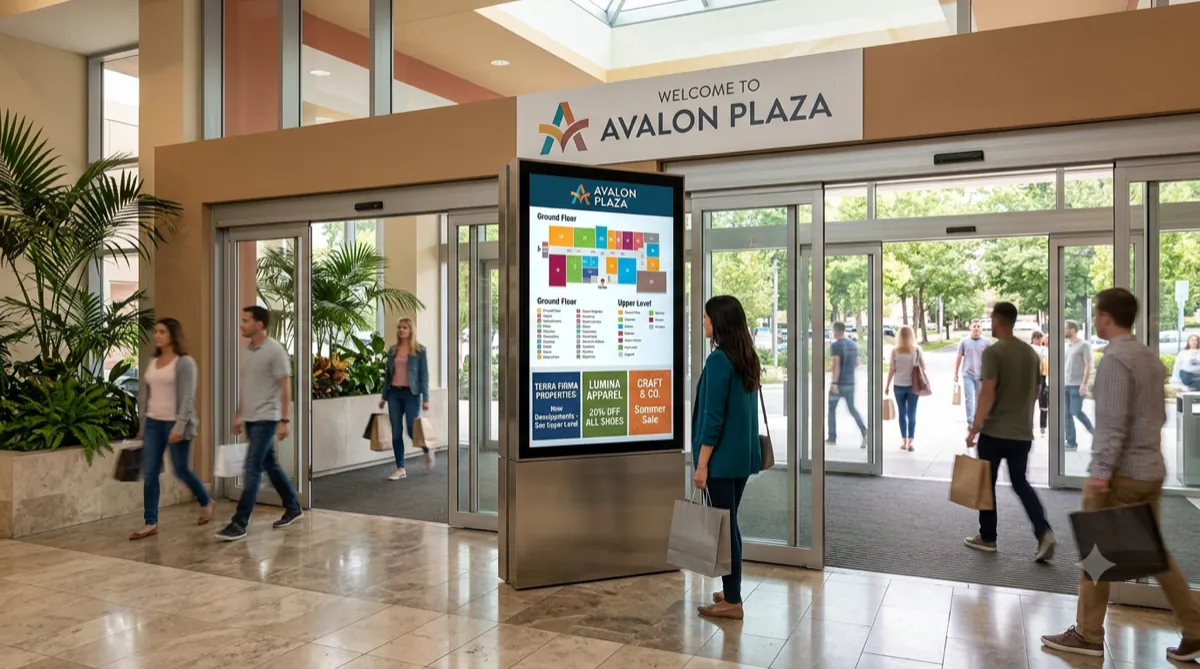
The screen above is what you publish. This is where it ends up.
How it is made
Named against the product's own modules rather than invented for a marketing page.
A kiosk screen is a composition like any other.
Publishing, scheduling, monitoring, reporting and auditing all apply.
No touch handling, menu logic or input capture has been observed.
Ask us and we will get a direct answer from the product team.
What you get
Composed and published like any other screen.
Changes with the day, the week or the season.
Publish targets facilities.
A dark kiosk is a headline number.
Reports run in three kinds: a Media Report, an Uptime Report and Audit Logs.
Audits, with a name against each action.
Who runs this
Nearby
Questions
Not that we can evidence. No touch interaction has been observed in the console.
As a playing information screen, yes — and it is monitored and audited like every other screen.
The product team. Contact us and we will put the question directly.
An Android player app on a display you own.